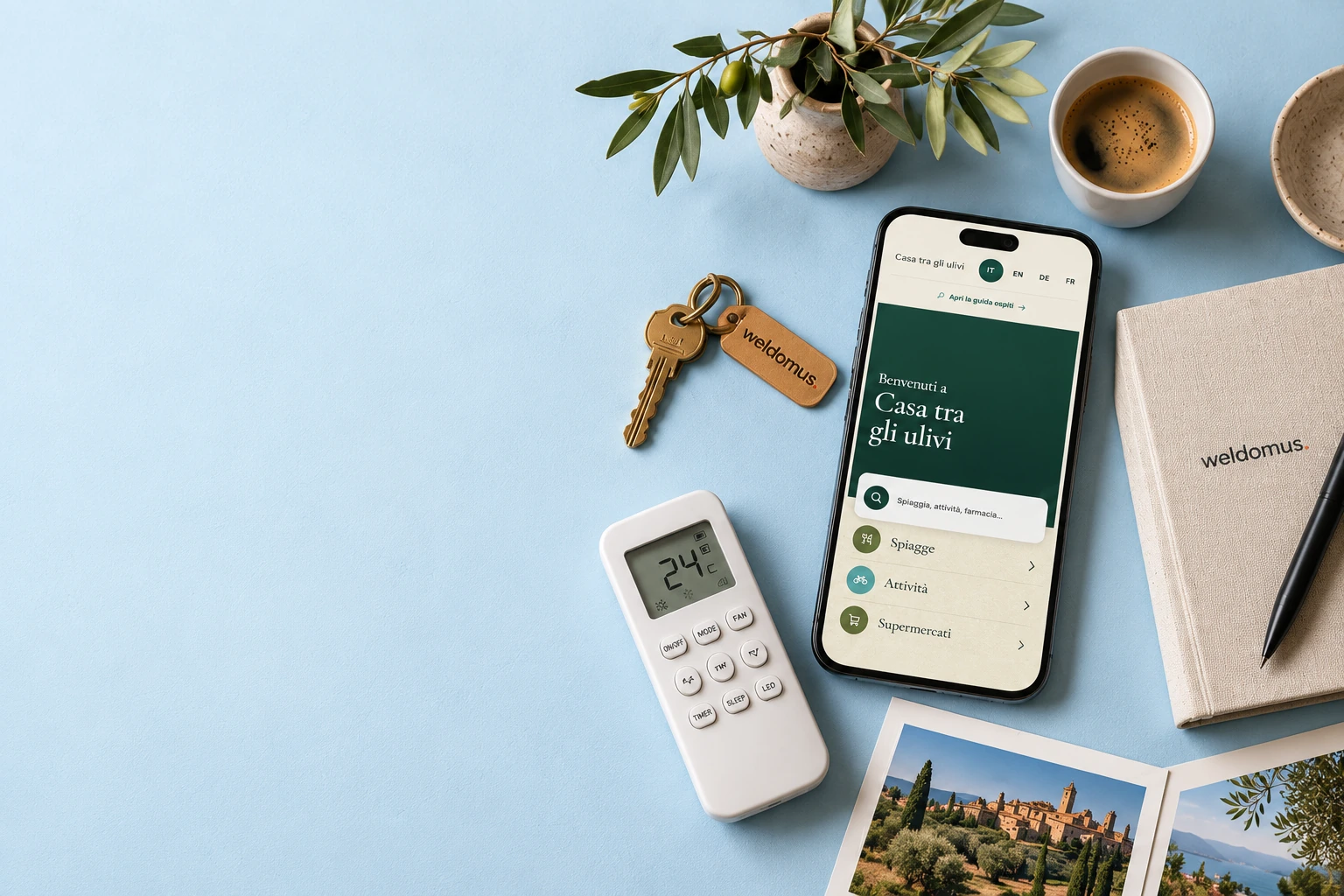
Your guest guide. Simple to create and share.
Your home. Your guide. For your guests.
House instructions, your favourite places and useful details. A guide in four languages, ready to personalise and share with a link or QR code.
From your home to your guide. You publish it.
A few questions. A guide of your own.
Your information. Your style.
What you know about your home. In one useful guide.
Start with what you know.
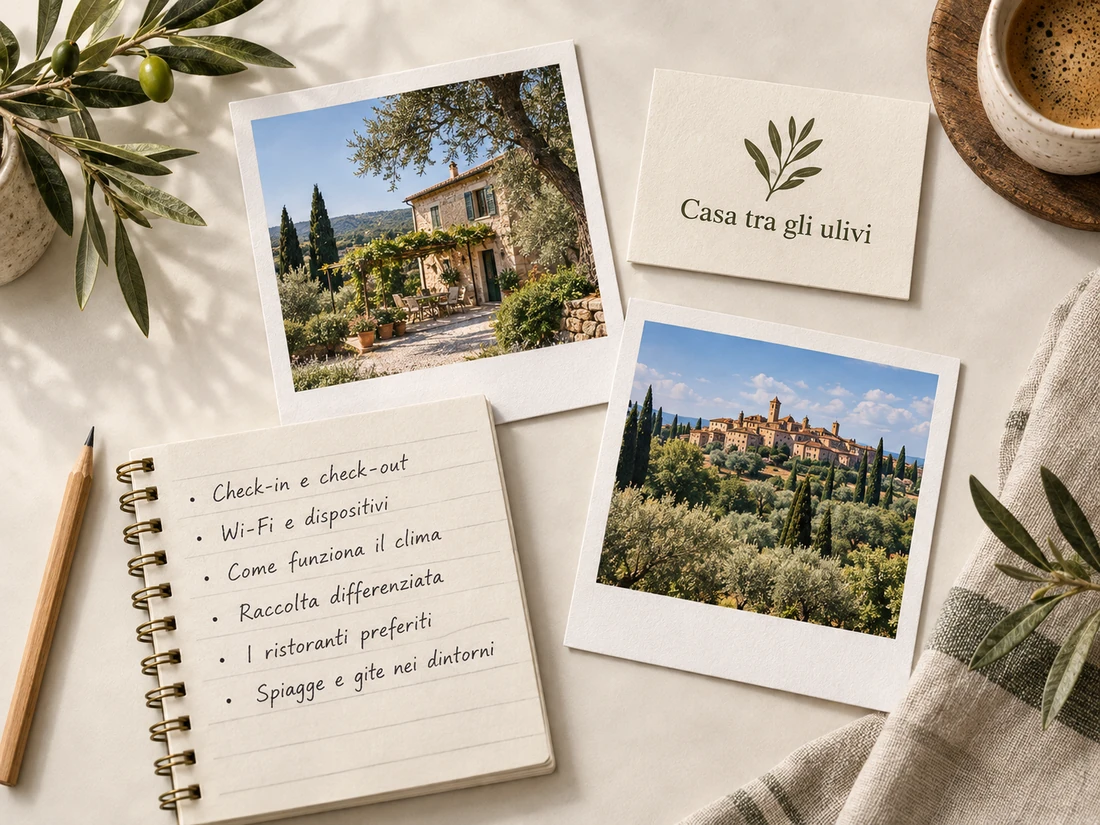
Add your property details, photos, house instructions and favourite places. A few clear notes are enough to get started.
Find everything in your guide.
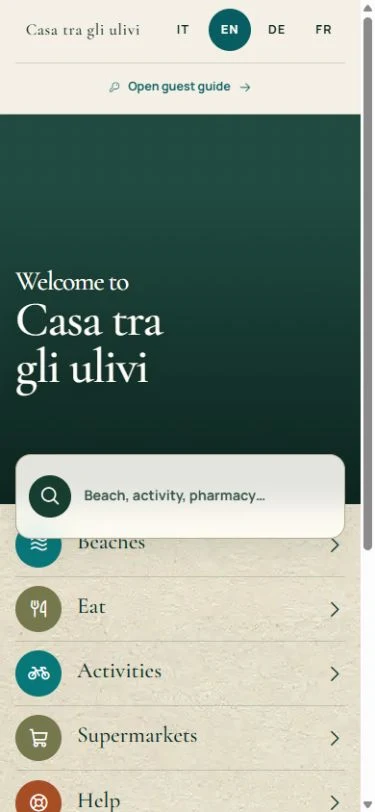
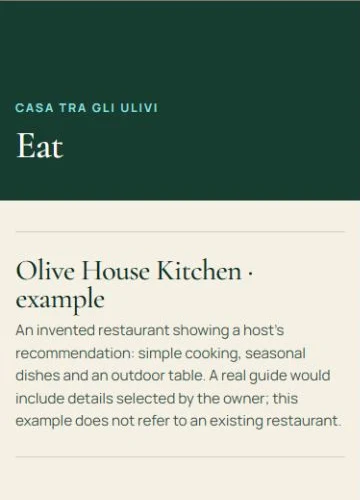
Your information takes shape. You add the final touch.
Turn your notes into clear texts in four languages. Review the guide preview, adjust the details and choose when to publish.
Example with fictional details
Your notes
Your notes (in Italian):
Parcheggio nel cortile, cancello a destra.
In the guide
Arrival and parking: enter through the gate on the right and park in the courtyard.
Review in the previewTry it as a guest
Take a look around the guide.
Look for a recommendation, switch language, explore the sections. These homes are imaginary; the guides really work.
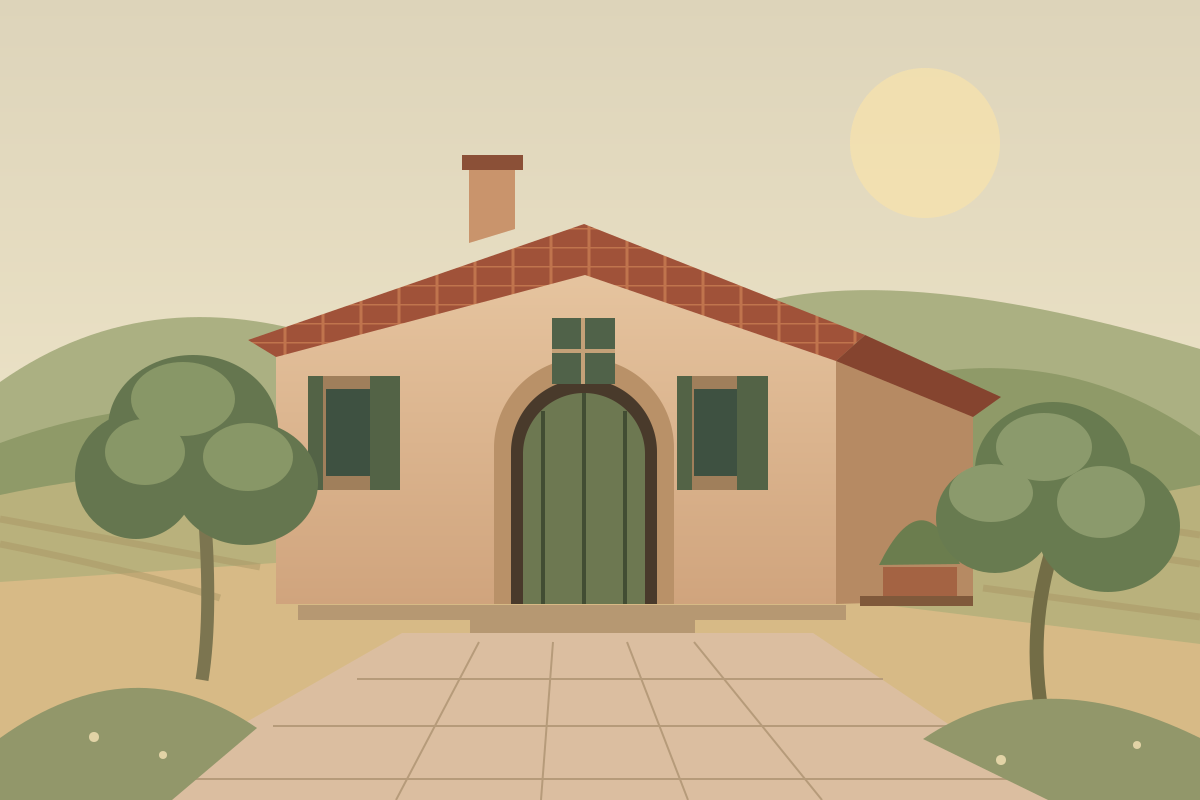
Casa tra gli ulivi
DemosA home in the hills: open the tips on where to eat and what to do. All information is fictional.
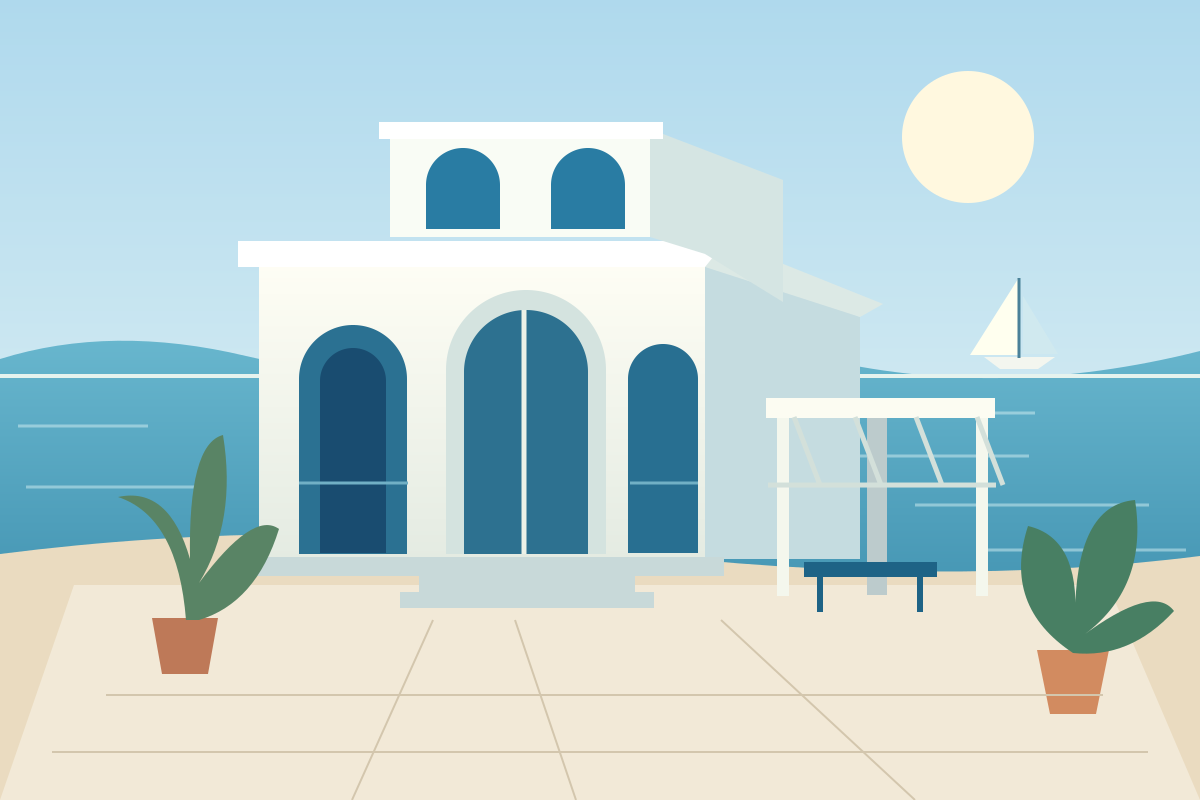
Casa sul mare
DemosA home on the coast: explore beaches, activities and useful places, all with sample information.
The demo guides represent imaginary properties. Content and images are examples, not reviews or real customers.
Six starting points. Make one your own.

The public guide
Places, activities and your tips to share with a simple link, even before guests arrive.
The guest guide
House instructions open with a dedicated QR code. Anyone who has it can access them, so share it only with your guests.
How it works
A few steps. Your own guide.
- 01
Start in your customer area.
Create your account and complete your property details. Your customer area takes you through preparing and managing your guide.
- 02
Tell us about your place.
Follow the questions, write your free-text answers in Italian and add photos, house instructions and local tips. Choose a style and prepare your guide in Italian, English, German and French.
- 03
Review it. Publish it. Share it.
When the preview is ready, review the texts and adjust the details. Approve publication, then share the link or QR code with your guests.
Before you start
Good things to know.
Do I need to know how to build a website?
No. Follow the steps in your customer area and answer questions about your property. Add your materials and review the preview. It works for a single holiday home too.
What do I need to have ready?
Your property details, photos, house instructions and favourite places. The questionnaire interface is available in four languages; free-text answers must currently be written in Italian. The guide is then prepared in all four languages. Use accurate information and materials you have permission to use. Put private details only in the dedicated fields, never in public texts.
When is the guide ready?
Once you have completed the questions and the content has been prepared, you will find the guide preview in your customer area. Review it, make changes and publish when you are happy with it. The time needed depends on your materials and the preparation of the guide.
Can I edit the texts before publishing?
Yes. Edit the texts and check the preview before publishing. The process uses artificial intelligence tools, so review house instructions, addresses, opening hours and translations. You give the final approval.
Do guests need to install an app?
No. The guide opens in a browser through a link or QR code and is available in Italian, English, German and French. The guest area uses a dedicated QR code. Anyone who has it can access that area, so share it only with your guests.
How do I update the guide?
Edit the content in your customer area and review the new preview before publishing again. The previous version stays online until you approve the new one. If you have a question about the service, contact us by email.
Does the subscription renew? How do I cancel?
The current model provides for automatic annual renewal. Terms and cancellation arrangements for the countries served will be finalised before sales begin. Cancellation stops future renewals and is separate from a refund request.
What if I change my mind after paying?
The commercial guarantee still provides a full first-order refund within 14 days of the first payment, including setup. The request ends the service. Consumers retain their statutory right of withdrawal from the date the contract is concluded and their other mandatory rights. Final terms must be aligned with the new creation flow before sales begin.
Have a question?
You create the guide. We’re here for the questions.
Wondering whether Weldomus is right for your property, or need help with a step? Write to us. To start creating, go to your customer area.